ThePPInsider is an independent mobile app comparison platform. We may earn a commission when you click through.
The Photo Restoration Apps That Earned a Place on Your Phone
Ten apps promise to repair old photos, but only a few clearly separate restoration, enhancement, colorization, and file recovery.
Quick Picks
Best overall: Image Colorize - Old Photos AI for straightforward black-and-white colorization.
Best rated: FixMyPics: AI picture restore, with a 5.0 rating from 7 App Store ratings.
Most established iPhone pick: PhotoApp - AI Photo Enhancer, backed by 766 ratings and a 4.7 score.
The biggest surprise in testing was how many apps use “restore” to describe different jobs. Some repair scratches and faded areas. Others sharpen blurry faces, colorize monochrome images, or attempt to recover deleted files. Those are not interchangeable tasks, so the right pick depends on what happened to the photograph.
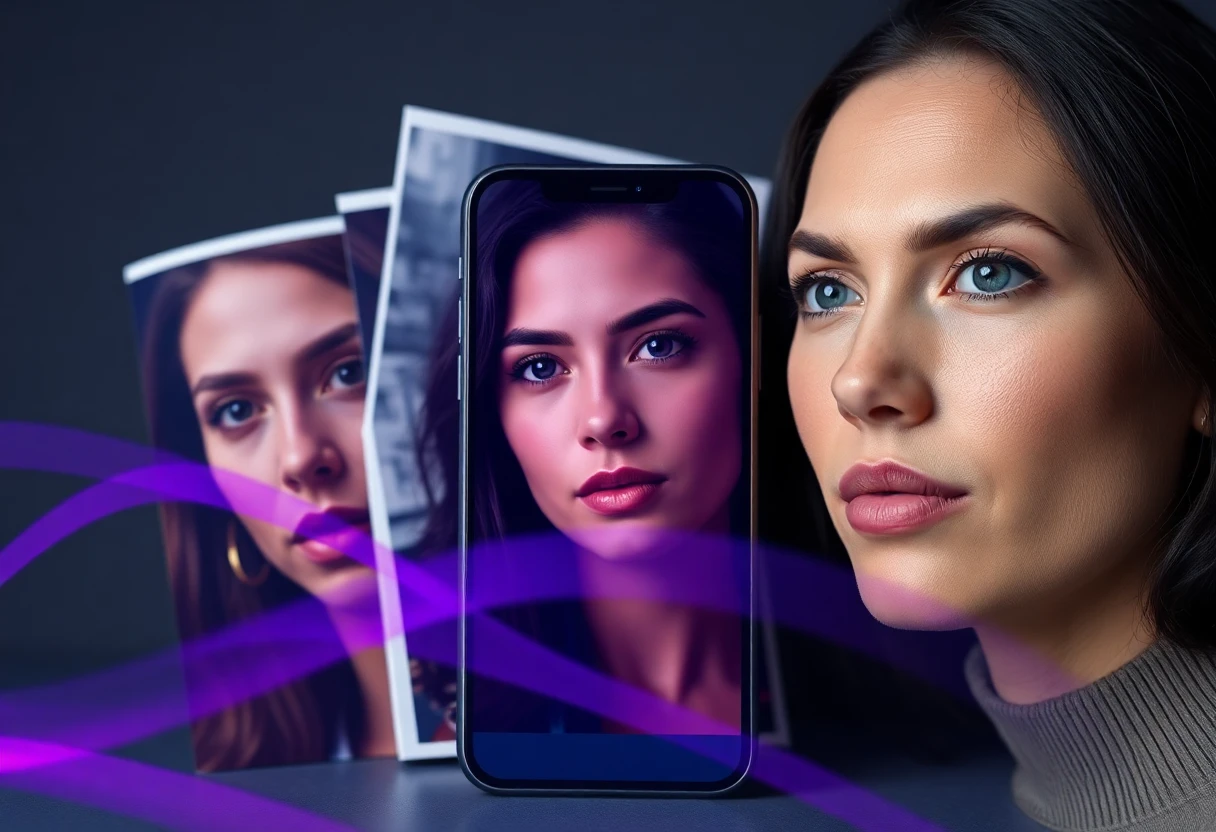
For Colorizing and Repairing Family Prints
These are the closest matches for scanned photographs with scratches, fading, tears, or missing color. The descriptions are specific enough to separate restoration from generic image enhancement, which matters when the original damage is physical rather than simply low resolution.
Image Colorize
Image Colorize - Old Photos AI is the cleanest starting point if the main problem is a black-and-white image. Its App Store listing names the core task directly: changing monochrome photos to color. That narrower brief is a strength because it avoids pretending that colorization alone can repair tears or severe blur. The app is free to download with in-app purchases and is designed for iPad, not verified for macOS. Compared with FixMyPics, it has less visible rating evidence in the supplied listing, but its purpose is easier to understand. Choose it for a scanned family portrait where the tonal detail is still intact and color is the missing layer. Skip it for a photograph with heavy scratches, creases, or missing sections.

FixQ
FixQ covers more of the actual restoration workflow than Image Colorize. Its Google Play description specifically mentions scratches, tears, creases, blur, faded areas, and black-and-white colorization, with processing described as happening on the phone in seconds. That breadth makes it more useful for a shoebox of mixed-condition prints. The limitation is evidence: the supplied listing does not provide a rating, price, or detailed permission information, so the “in seconds” claim remains a provider statement rather than a measured result. Android users with damaged prints should start here, especially when one image needs repair and another needs color. People who only want colorization may find the broader toolset unnecessary.

Nostalgio
Nostalgio pushes beyond static repair. The Android description lists restoration, scratch repair, face unblurring, colorization, and animation into short videos. That combination makes it the most experimental app in this group, but animation also changes the editorial question: a moving face is an effect, not recovered historical detail. I would use the repair and color tools first, then treat animation as an optional social-share feature rather than an archival result. The listing does not state a price or rating in the supplied data, so there is no honest basis for calling it the cheapest or most reliable. Pick it when you want one Android app for restoration plus playful motion effects, not when preservation accuracy is the only goal.

Image Colorize keeps the job narrow, FixQ covers the most repair categories, and Nostalgio adds animation that some users will enjoy and others will never need. That distinction is more useful than a generic “AI restoration” label. The next group is for iPhone users who care more about clarity and enhancement than historical repair alone.
iPhone Tools for Sharpening and General Cleanup
The iPhone listings provide stronger public rating signals, although the sample sizes vary sharply. A 4.7 score from hundreds of ratings tells you more about consistency than a perfect score from seven people.

AI Picture Restore
FixMyPics has the strongest rating headline in the supplied iPhone data: 5.0 from 7 ratings. The small sample matters; it signals early satisfaction, not broad proof. Its subtitle, “Old photo scan, fix, add color,” points to a simple flow for scanning a print and applying repair or color. The app is free with in-app purchases and available only for iPhone. Compared with PhotoApp, FixMyPics appears more tightly focused on old photographs, while PhotoApp has a much larger rating base and a broader enhancement identity. Choose FixMyPics when you have a handful of family prints and want a focused iPhone tool. Treat the 5.0 score cautiously until more users have reviewed it.

Photo Restore
Photo Restore: Clear Picture is positioned around AI enhancement and clarity rather than a detailed repair checklist. The App Store listing calls out “AI Enhance & Clear Old Photo,” and it is free with in-app purchases for iPhone. That makes it a sensible test for faded or soft images, but the supplied page does not show a rating, review count, or specific claims about scratches, tears, or colorization. Compared with FixMyPics, the product promise is less specific; compared with PhotoApp, it has far less public feedback in the supplied listing. Pick it for ordinary blur and dullness, not as the first choice for a badly damaged print.

PhotoApp AI Photo Enhancer
PhotoApp has the most useful rating evidence among the iPhone options here: 4.7 from 766 ratings. Its listing describes it as an AI photo enhancer that can enhance, unblur, and fix images, so it is broader than a dedicated old-photo repair tool. That breadth is valuable when your library includes early digital photos as well as scanned prints. The compromise is focus: the supplied description does not specifically promise scratch or tear repair. I would choose it over FixMyPics for repeated everyday enhancement because 766 ratings provide a more meaningful consistency signal than seven. Choose another app when physical damage is the central problem.

Photo Restore
Photo Restore – Fix Old Photos is the newest-looking proposition in this set, with an App Store title built around AI-powered picture recovery. The supplied listing confirms free installation with in-app purchases and iPad support, but it does not provide ratings, review volume, or a detailed repair feature list. That missing information is the reason it ranks below the better-documented iPhone tools, not proof that its output is poor. Test it on a duplicate scan before trusting it with an irreplaceable original. It suits iPad users who want to try a dedicated old-photo workflow and are comfortable evaluating results themselves.

PhotoApp is the safer recommendation for repeated enhancement because its 766-rating base is substantially more informative than FixMyPics’ seven ratings. The other two are worth testing, but their listings leave more unanswered questions about output and consistency. One category still needs separating: file recovery.
When “Restore” Means Recovering a Deleted File
A damaged photograph and a deleted photograph need different tools. This final pick belongs here because its description is about scanning device storage for lost files, not rebuilding scratches or adding realistic color to an old print.
Photo Restore
Photo Restore - Video & File should not be judged beside AI colorizers as if it performs the same job. Its Google Play description identifies it as a file recovery app that scans for accidentally deleted photos, videos, and other files, including JPEG and PNG images. That is useful after deletion, but it does not establish that the app repairs scratches, reconstructs torn areas, or colorizes monochrome photographs. The distinction could save you a frustrating download: a deleted image needs recovery, while a faded print needs restoration. Pick this Android app only when the original file disappeared from the device and recovery is the problem.

File recovery is the outlier, and that is precisely why it deserves its own section. Do not expect it to improve a photograph that still exists but looks old; use an AI restoration app for that job.
Who Should Pick What
Choose Image Colorize - Old Photos AI if you mainly want to add color to intact black-and-white prints on an iPad. Choose FixQ if you use Android and need one tool that explicitly covers scratches, tears, creases, blur, fading, and colorization. Choose FixMyPics if you are on iPhone, want a focused old-photo workflow, and accept that its 5.0 score comes from only 7 ratings. Choose PhotoApp if you enhance many different images and prefer the stronger public signal of 4.7 from 766 ratings. Choose Nostalgio if animation matters as much as repair. Choose Photo Restore - Video & File only for deleted files.
My favorite is PhotoApp for general iPhone use because its rating base is the most credible evidence in this group, but FixQ is the more convincing specialist for Android users with genuinely damaged prints. Save the original scan, compare the result at full resolution, and never confuse a vivid AI reconstruction with recovered historical fact.
If the photograph is gone rather than damaged, the next decision is platform-specific. Our guide to Photo Recovery Apps for Android and iPad Users covers that separate problem.


