ThePPInsider is an independent mobile app comparison platform. We may earn a commission when you click through.
Productivity Apps That Survive Real-World Workflows
Claude, Google Lens and Goldie solve different bottlenecks, while several listed apps belong in specialist workflows rather than daily planning.
The best productivity app is rarely the one with the longest feature list. It is the one that removes a specific delay from your day without creating a new admin job. This shortlist is unusually mixed: Claude and Google Lens are general-purpose tools, while Goldie, SOFI, and the auction apps solve narrow business workflows. That is useful, provided you do not mistake a specialist utility for a universal organiser.
What to look for before installing anything
Start with the bottleneck. Do you lose time reading documents, booking clients, reviewing presentations, or tracking bids? A focused app can beat a broad task manager if it handles that one job reliably.
Check four details before committing:
- Input: Does it need your microphone, camera, files, location, or account access?
- Output: Does it produce a usable result, or merely display information?
- Platform: Is it available on iOS, Android, or only one ecosystem?
- Pricing: The supplied listings do not provide complete subscription prices, so treat “free” labels as download information rather than proof of a free working tier.
One useful warning: this list contains no independent benchmark data for speed, battery use, or app size. The recommendations below stick to the supplied descriptions, ratings, permissions, and install counts rather than inventing performance claims.

Everyday productivity: thinking, scanning, and reading
These are the tools most likely to earn regular space on a phone because they shorten common information tasks. They do not replace a full project-management system. They make small moments less wasteful.
Claude
Claude is the strongest general-purpose productivity pick in this group because its description covers writing, research, coding, form filling, trip planning, replies, and long-document analysis. That breadth is useful, but it also creates the main risk: a broad AI assistant can encourage vague prompting and produce work that still needs checking. Best for professionals who regularly switch between drafting, research, and document-heavy tasks. The supplied listing does not state a price, app size, permissions, or rating, so there is not enough evidence to call it the cheapest or fastest option.

Google Lens
Google Lens is less ambitious than Claude but more concrete: it can translate text, copy long passages, save business cards to contacts, add events from posters to a calendar, and identify plants or animals. That direct camera-to-action workflow is the practical advantage. Best for Android users who repeatedly turn physical information into digital notes, contacts, or calendar entries. The description does not provide a price, rating, app size, or permission list, so privacy and storage impact need checking on the official listing before regular use.

Goldie Appointment Scheduler
Goldie is the most clearly defined scheduling tool here, with business calendar and payment features and a 4.6 rating from 89 App Store ratings. That is a modest sample, but it is more evidence than most items in this set. Best for a solo operator who needs appointments and payments in one iPad-friendly workflow. The limitation is platform clarity: the listing says it is designed for iPad and not verified for macOS, while the supplied data does not confirm iPhone or Android support. Its free label includes in-app purchases, so the usable tier may be narrower than the download price suggests.

Claude handles the widest range of intellectual tasks, while Google Lens wins at quick capture and Goldie has the clearest business workflow. Word Office is narrower still, but that can be an advantage when you only need a document viewer. The important distinction is between an app that creates work and one that removes a step.
There is also a data-access divide. Claude may involve sensitive documents or connected accounts; Google Lens relies on camera and image input; Goldie deals with appointments and payments. Convenience rises with access, so permissions deserve the same scrutiny as features.
Specialist tools for meetings, leases, and follow-up
Productivity is not always about personal planning. For a small business, the expensive delays often sit in presentation feedback, lease reminders, and document storage. These apps are more specialised, but their value is easier to judge against a concrete process.
SOFI
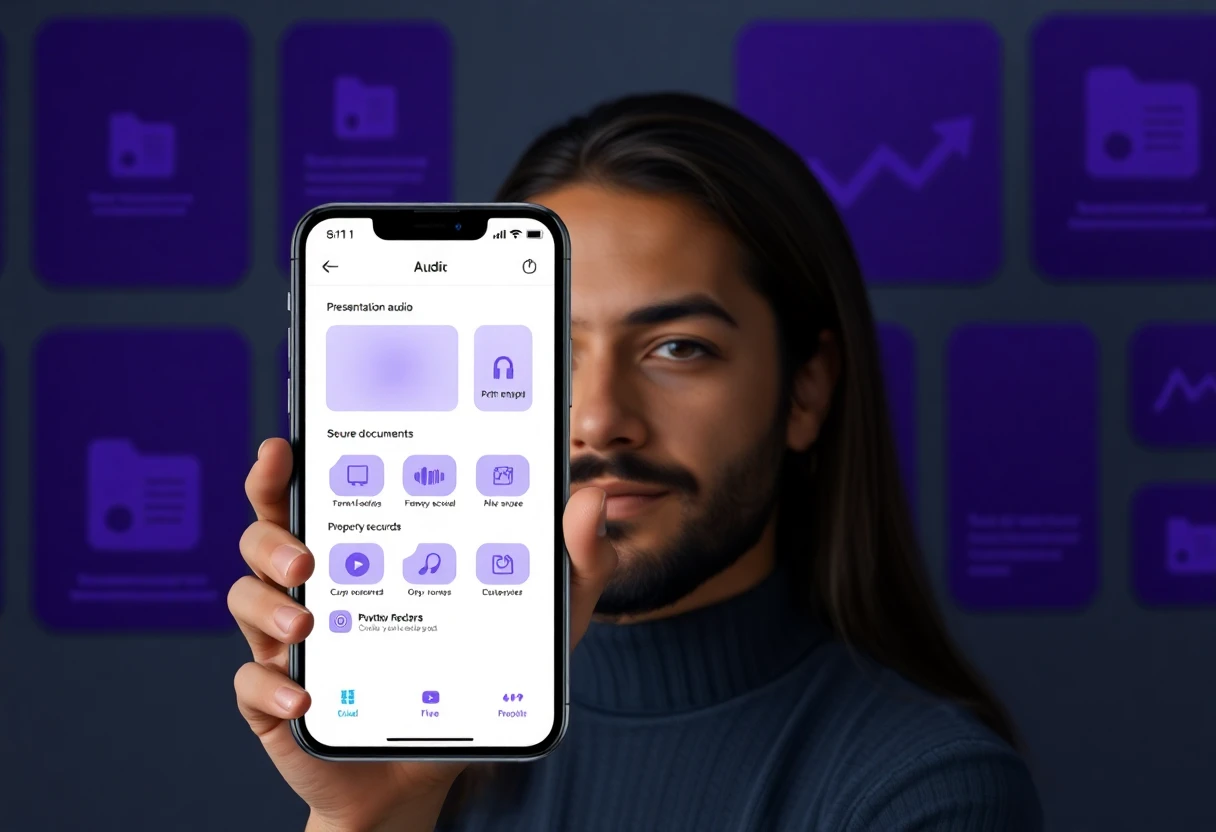
SOFI by mallowstreet analyses an offline meeting recording to assess presentation, messaging, and delivery. That makes it unusually specific: it is not a general note app, but a feedback tool for people who present regularly. Best for a presenter, consultant, or sales professional who can record meetings and wants structured review afterwards. The Android listing reports 1K+ downloads and requests Photos/Media/Files, Storage, Microphone, and Other permissions. Those permissions are directly relevant to its workflow, but they also make consent and recording practices important. No price or rating is supplied.

SOFI
The second SOFI app is a completely different product, focused on landlords, tenants, and managers handling leases, documents, and reminders. It can store PDFs and schedule payment and date reminders across properties ranging from one house to hundreds of locations. Best for a property manager who needs a central record of lease paperwork rather than a general task list. Do not confuse it with the presentation-analysis SOFI: the matching name hides two unrelated workflows, developers, and likely data practices. The supplied listing gives no price, rating, platform details beyond Android, or permission list.

Nias Heritage
Nias Heritage is not a conventional productivity app, but it earns a place for researchers and educators whose work involves cultural archives. It presents a curated digital repository covering history, oral traditions, artefacts, and language connected to Tanö Niha. Best for a researcher, teacher, or member of the Nias diaspora who needs an accessible reference collection rather than a task manager. The description provides no rating, price, permissions, or install count, so its recommendation rests on subject-specific usefulness, not measured app performance.

SOFI’s two listings expose a common app-store problem: names alone are not enough. One app analyses presentation recordings; the other manages leases. Check the developer, description, permissions, and platform before installing. Nias Heritage is even more specialised, but its value is clear if your work depends on that archive and irrelevant if it does not.
Tools that look productive but belong to a narrow trade
The remaining apps are not sensible general productivity recommendations. They are operational tools for auction participants and vehicle dealers. Including them as everyday productivity picks would be misleading, but excluding them entirely would hide an important lesson: specialised software can be efficient without being broadly useful.
CarAuctions
CarAuctions is built for dealers browsing and bidding across Copart, IAAI, Impact, Manheim, and other auctions in the USA, Canada, and Europe. Its dashboard, vehicle history, delivery calculator, and multi-auction tabs target a high-volume buying process rather than personal organisation. Best for a vehicle dealer who needs several auction sources and shipping estimates in one place. The geographic focus makes it a poor fit for a typical New Zealand user unless overseas sourcing is already part of the business. No price, rating, permissions, or install count is supplied.

Marhaba Auction
Marhaba Auction centres on used luxury cars, live bidding, video and audio streaming, bid monitoring, and auction notifications. Compared with CarAuctions, it appears more focused on the live auction experience than on a multi-market dealer dashboard. Best for a buyer who needs real-time visibility while bidding on high-end vehicles and can assess condition quickly from streamed material. The listing does not provide price, rating, app size, permissions, or verified market coverage, so it should not be treated as a general auction-management recommendation.

Emirates Auction
Emirates Auction covers government and bank assets, real estate, used vehicles, and the company’s well-known number-plate auctions, with physical and online bidding. That is a broader asset catalogue than Marhaba Auction, but breadth can make an app less focused for someone who only wants cars. Best for an auction participant interested in several asset classes and real-time bidding rather than a personal productivity routine. The supplied description gives no price, rating, permissions, or install count, and New Zealand users should verify eligibility and regional availability before relying on it.

CarAuctions is the most operationally complete of the three because it combines multiple auction sources with delivery calculation and vehicle history. Marhaba is more live-event oriented, while Emirates Auction covers more asset types. None belongs on a generic productivity shortlist unless your work actually involves auctions.
A quick decision framework
- Need help thinking, drafting, or analysing documents? Start with Claude.
- Need to turn printed text, posters, or objects into actions? Try Google Lens.
- Run appointments and payments on an iPad? Goldie has the clearest fit and the strongest supplied rating.
- Only need offline Word-file access? Word Office: Docs Reader is the narrowest route.
- Review presentation recordings? Choose the presentation-analysis SOFI, not the lease-management app.
- Manage leases and reminders? Choose the property-management SOFI.
- Work in vehicle auctions? Compare CarAuctions, Marhaba Auction, and Emirates Auction by market coverage and bidding workflow.
- Research Nias culture? Nias Heritage is the only item here built around that archive.
My shortlist for most people is Claude, Google Lens, and Goldie, but they solve different problems rather than competing directly. The specialist apps are worthwhile only when their narrow workflow matches your work. Before installing, verify current pricing, permissions, app size, and platform support on the relevant Claude Google Play listing, Google Lens Google Play listing, and Goldie App Store listing.
For a broader shortlist built around actual daily workflows rather than app-store categories, continue with The Productivity App List That Actually Makes Sense.


