ThePPInsider is an independent mobile app comparison platform. We may earn a commission when you click through.
Photo Restoration Apps That Know When to Stop
Compare nine restoration apps by platform, ratings, and repair tools before trusting AI with irreplaceable family photos.
Quick Picks
Best overall: Remini, backed by 35,000 App Store ratings and available on both major mobile platforms.
Best for iPhone-only restoration: PhotoApp, with a 4.6 rating from 1,300 App Store ratings.
Best for black-and-white photos: RetroFix, which focuses on colorization and old-photo repair.
AI restoration is useful, but it is not forensic recovery. It can sharpen a face, remove visible damage, and invent plausible detail. That last part matters: a cleaner image is not always a more accurate one.
What to Check Before You Restore Anything
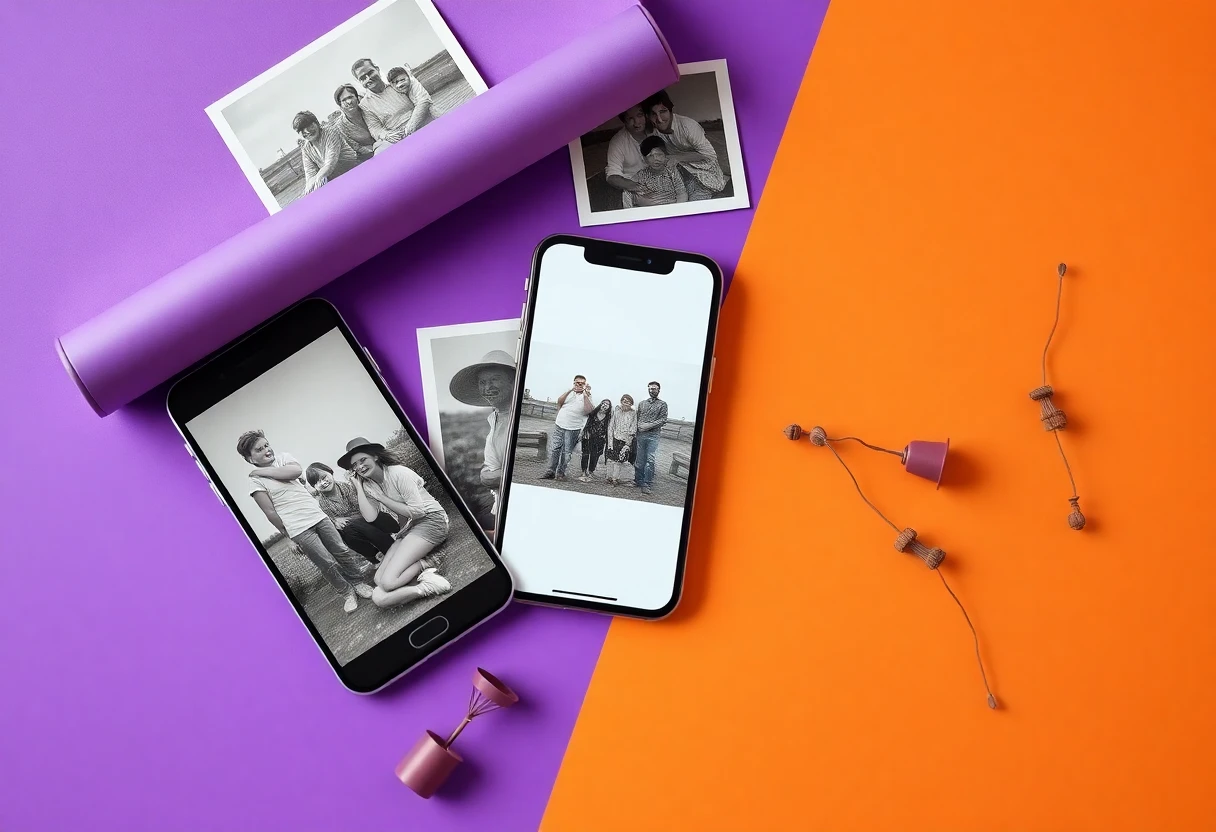
Start with the damage, not the app store rating. Scratches, faded contrast, blur, and missing facial detail are different problems. An app that colorizes black-and-white images may do little for a badly creased scan, while a face enhancer can produce a sharp-looking portrait with features the original never contained.
Platform support also narrows the field. PhotoApp and FixMyPics are listed for iPhone only. RetroFix is designed for iPad, while UpFoto, jpgHD, Relumi, Renew, and the Android version of Remini are available through Google Play. The supplied listings do not provide app sizes, permission details, subscription prices, or privacy terms, so those points need checking on the relevant store page before installation.
Three mistakes that ruin restoration projects
- Editing the only copy: duplicate the scan first and preserve the original.
- Trusting one tap: compare the result at full size, especially around eyes, teeth, hair, and patterned clothing.
- Assuming color is historical fact: AI colorization is an interpretation, not evidence of the original colors.
Use the least aggressive setting that solves the visible problem. A modest improvement usually looks more believable than a heavily processed face.
For Fast Face and Blur Repair
The strongest evidence in this group is not a marketing claim. It is the size of the review base. A high rating from tens of thousands of users gives more useful signal than a 4.6 rating from a few dozen ratings, although it still does not prove that every restoration will look natural.
Remini
Remini is the safest first download for someone restoring a mixed folder of blurry portraits and old snapshots. Its App Store listing shows 4.6 from 35,000 ratings, far more feedback than any other iPhone app in this group, and the Android listing describes unblurring, restoration, and enhancement. The downside is equally practical: the supplied listing confirms in-app purchases but gives no price, so test the free workflow before assuming a subscription is worthwhile. Best for people who want one familiar tool across iPhone and Android and can inspect faces carefully for invented detail.

PhotoApp AI Photo Enhancer
PhotoApp matches Remini's 4.6 App Store rating but has a much smaller base of 1,300 ratings. Its listed focus is direct and useful—enhance, unblur, and fix images—but the app is iPhone-only and the page confirms in-app purchases without showing a price in the supplied data. That makes it a sensible second test for iPhone owners, not a universal recommendation. Pick it when you want a focused enhancer and do not need Android access or desktop support.

AI Photo Enhancer
PhotoBoost is less proven than the two apps above: its App Store listing shows 4.5 from 172 ratings. The feature wording—clear, fix, and unblur photos—covers the basics, but the smaller sample makes the rating less persuasive. It remains worth testing for a single damaged image because the listing is free to download with in-app purchases, yet it should not be your first choice for a large family archive. Best for iPhone users who want another lightweight comparison result before paying.

Remini has the strongest usage signal, while PhotoApp offers a narrower iPhone workflow with a substantial but smaller rating base. PhotoBoost is the experimental pick. None of the supplied pages gives enough pricing detail to call any of them the cheapest, so avoid judging value from the word “Free” alone.
For Scanned Prints and Visible Damage
Old-photo restoration needs more than facial sharpening. Look for explicit support for scratches, fading, repair, and colorization. The apps below describe those jobs more directly, though their review counts are much thinner.
RetroFix
RetroFix names the job clearly: convert black-and-white images to color and repair old photos. That specialization is more useful than a generic enhancer when the main problem is a monochrome family print. The rating is 4.3, but only 9 App Store ratings are shown, so the score is not dependable evidence of consistency. It is listed as free with in-app purchases and designed for iPad, making it a better fit for tablet-based sorting than quick phone edits.

AI Picture Restore
FixMyPics covers the restoration sequence many people actually need: scan an old photo, repair it, and add color. Its 4.6 rating from 40 App Store ratings is encouraging but too small to outweigh hands-on comparison with Remini or PhotoApp. The app is iPhone-only, free to download, and uses in-app purchases. Best for someone working through a small set of physical prints who wants explicit restoration and color tools rather than a general portrait enhancer.

AI Photo Restore
jpgHD has the broadest restoration description in the supplied Android data: repair faded photos, reduce scratches, colorize monochrome images, enhance, upscale, and reduce noise. That range makes it more relevant to damaged scans than a blur-only app. The listing does not provide a rating, price, app size, or permission summary here, so confidence is lower than with Remini. Best for Android users who need several repair modes in one workflow and are willing to compare exports carefully.

RetroFix and FixMyPics describe old-photo work more precisely than the general enhancer apps, but their tiny rating samples should keep expectations measured. jpgHD has the most complete feature description in this cluster, yet missing rating and price data make it a test-first download rather than an automatic winner.
Android Alternatives for a Larger Archive
Android users have several restoration-specific listings, but the available evidence is uneven. Descriptions are detailed; independent rating information is not always included in the supplied store extracts. That is a reason to compare exports, not a reason to assume weaker quality.
Relumi
Relumi is aimed at scanned prints, faded family snapshots, damaged wedding photos, blurry pictures, and early digital images. The listing also says it can repair damage, unblur faces, and colorize black-and-white photos, giving it a useful archive-oriented scope. It is described as formerly Repairit and says millions of photos have been processed, but the supplied data does not include a rating or price. Best for Android users with varied damage types who want a restoration-first app rather than a portrait-effects tool.

Renew
Renew takes the simplest route: one-tap restoration for faded, damaged, vintage, and black-and-white photos. That may suit a casual user with a handful of images, but the supplied listing gives no rating, price, export limits, or technical detail to support a stronger recommendation. Treat the one-tap promise as a starting point, then inspect facial detail and texture at full resolution. Best for Android users who value a minimal workflow over fine manual control.

UpFoto
UpFoto is the least documented option in the supplied set: its page identifies the app and developer, but the available extract does not show a rating, price, or full restoration feature list. That missing information matters when the photos are irreplaceable. It can still serve as a quick Android comparison download, but Remini, jpgHD, and Relumi provide clearer evidence of what they are built to do. Best for users willing to run side-by-side tests rather than commit immediately.

The Android group is useful precisely because it exposes the evidence gap. Relumi and jpgHD explain their restoration tools in detail; Renew keeps the process simple; UpFoto needs more verification before it earns trust with a valuable archive.
A Practical Decision Framework
- Need the strongest public rating signal? Start with Remini, which shows 4.6 from 35,000 App Store ratings.
- Restoring black-and-white prints? Test RetroFix, FixMyPics, or jpgHD because their listings explicitly mention colorization.
- Working on iPhone only? Compare Remini, PhotoApp, FixMyPics, and PhotoBoost. PhotoApp and FixMyPics are listed as iPhone-only.
- Working on Android? Start with Remini, then compare jpgHD and Relumi on the same original scan.
- Protecting historical accuracy? Keep the original file, save every export separately, and treat AI-generated facial detail and color as interpretation.
My recommendation is simple: use Remini as the benchmark, then test a specialist such as FixMyPics, RetroFix, jpgHD, or Relumi against the same photo. Choose the app that improves the image without changing the person. A high rating is useful; a believable face is the real test.