ThePPInsider is an independent mobile app comparison platform. We may earn a commission when you click through.
Photo Restoration Apps Compared: Which Ones Actually Repair Damage
Ten restoration apps promise sharper faces and colourised memories, but platform limits, ratings and recovery features separate useful tools from hype.
Quick Picks
Best overall for old family photos: Nostalgio: Restore Old Photos, because it combines repair, colourisation, face enhancement and animation in one Android app.
Best rated iPhone pick: AI old photo repair - Renew, with a 4.8 rating from 477 App Store ratings.
Best for deleted files: Photo Restore - Video & File, which targets recovery of deleted photos, videos and other files rather than repairing ageing prints.
Photo restoration is not one job. Recovering a deleted JPEG, removing scratches from a scanned print and inventing plausible colour in a black-and-white portrait require different tools. That distinction matters more than polished app-store promises.
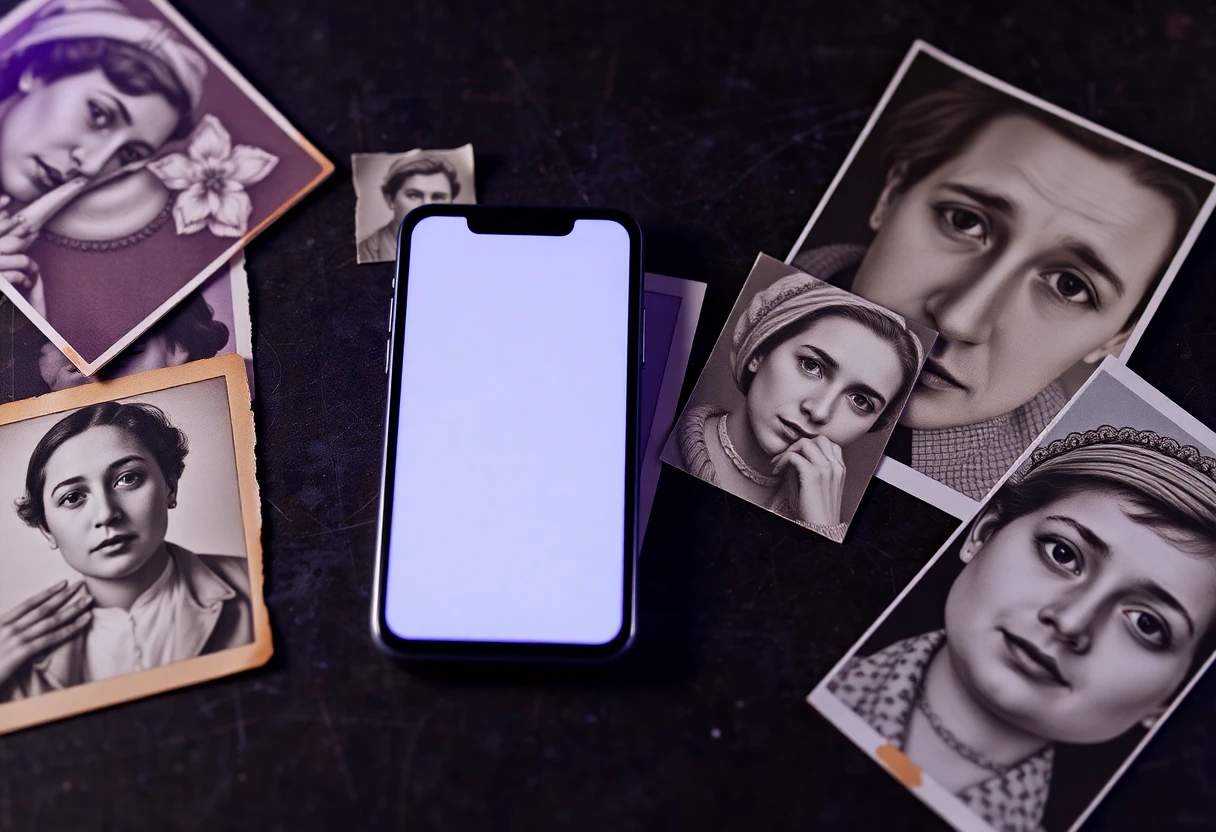
Repair, colour and enhancement: the strongest group
The most useful apps here focus on damaged or ageing images, not just file recovery. The feature lists overlap heavily, but the available ratings reveal a useful split: established iPhone apps have more visible user feedback, while several newer listings have too little evidence to justify confidence.
Nostalgio
Nostalgio covers the full restoration workflow: damaged-photo repair, face unblurring, black-and-white colourisation and short-video animation. That breadth gives it the strongest claim to being an everyday memory-restoration tool, rather than a single-purpose enhancer. The limitation is platform reach: the supplied listing is for Android, and no price or rating is provided in the available data. Choose it for a box of scanned family prints when you want several treatments in one place, but preview results carefully before trusting AI-generated facial detail.

Renew
Renew has the clearest evidence of user approval in this comparison: 4.8 from 477 App Store ratings, with support for restoring and colourising old pictures. That is a much stronger signal than a five-star score based on only a handful of reviews. It is free to download with in-app purchases and is designed for iPhone and iPad, although the listing says it is not verified for macOS. Pick it for a larger iOS photo archive, especially when rating volume matters more than a long feature list.

Relumi
Relumi targets scanned prints, faded snapshots, damaged wedding photos, blurry pictures and early digital images, then adds face repair and colourisation. Its description says the service has processed millions of photos, but the supplied listing does not include a rating, price or independently verifiable result sample. Compared with Renew, it offers a broader stated use case but weaker evidence for judging consistency. Android users with several different kinds of damaged image should test one low-stakes photo before paying for a larger workflow.

Restoria
Restoria adds animation to the familiar repair package: scratch and damage removal, sharpening, colourisation and short videos. That makes it more playful than a basic restoration tool, but animation can also distract from whether the original face and texture were repaired faithfully. The listing does not show a price, rating or platform detail beyond its Google Play URL, so there is less evidence than Renew provides. Use it when a shareable animated result matters as much as a clean still image.

FixQ
FixQ promises repair for scratches, tears, creases, blur and faded areas, alongside black-and-white colourisation. That wording is more specific about physical damage than many competing descriptions, which simply say they enhance old photos. The available data does not include a rating, price or confirmed iOS version, so the practical question is output quality rather than feature count. It suits Android users restoring visibly torn or creased prints, provided they compare the result against the original at full resolution.

Retro Photo Restore
Retro old photo restore repair is the newest-looking iPhone entry in the set, offering AI repair and colourisation with free installation and in-app purchases. The problem is the thin evidence base: the supplied App Store data shows no rating count or score. That makes it harder to rank above Renew or RetroFix, both of which have substantial visible ratings. Consider it only if you want a simple iPhone-focused experiment and are prepared to judge the first export yourself.

Six apps promise broadly similar AI treatment, yet only one of this group comes with a substantial rating record and a clearly stated iPhone/iPad footprint. The practical lesson is simple: feature breadth helps, but evidence and export behaviour matter more than claims such as “advanced AI”.
iPhone apps with enough rating evidence to compare
App Store ratings are not proof of restoration accuracy, but they give you a better starting signal than an unreviewed listing. RetroFix and Renew are the only options here with hundreds of visible ratings, while the remaining iPhone entries have two or three ratings or none supplied.
RetroFix
RetroFix is the most defensible iPhone alternative to Renew on the evidence supplied: it has a 4.7 rating from 343 ratings and supports restoration and colourisation, with iPad design included. Renew edges it on score and rating count, but RetroFix remains close enough that the choice may come down to which app produces more natural faces on your scans. It is free to download with in-app purchases. Choose RetroFix when you want a well-reviewed iPad-capable tool without leaving the Apple ecosystem.

Photo Restore
Photo Restore: Enhance Pic is limited to iPhone and has a 3.0 rating from just two App Store ratings. Its title and description point towards damaged-photo repair and enhancement, but the tiny sample makes that score unstable: two reviews cannot tell you whether the app is consistently useful. The free download and in-app purchases lower the testing barrier, yet RetroFix and Renew provide far stronger evidence. Use this only for a quick trial, not for an irreplaceable family archive.

Old Photo Restore
Old Photo Restore & Pic Repair claims repair and image-quality enhancement, but its 5.0 score comes from only three App Store ratings. That is a tempting headline and weak proof at the same time. It is free to download, includes in-app purchases and is iPhone-only, with no stated macOS verification. The app may be useful for a small personal test, but a three-rating sample should not outrank Renew’s 477 ratings or RetroFix’s 343.

The rating pattern is the insight most app-store pages make easy to miss: a perfect score from three people is less informative than 4.8 from 477. For valuable originals, start with the apps that have enough feedback to expose recurring problems, then compare exports at the same zoom level.
That leaves one category that should not be mixed with AI restoration at all: deleted-file recovery.
When the photo has disappeared from your device
Repair apps work on an image you can still open or upload. Recovery apps search for files that have been deleted or lost. Treating them as interchangeable is the fastest way to install the wrong tool.
Photo Restore
Photo Restore - Video & File is the outlier, and that is useful rather than disqualifying. Its stated purpose is scanning for accidentally deleted photos, videos and other files, including common image formats such as JPEG and PNG. It does not present itself as a tool for scratches, faded paper or colourisation. Android users should choose it after accidental deletion, not for a shoebox of damaged prints. Recovery success depends on what remains on the device, and the supplied listing gives no price, rating or guarantee.


The verdict
For Android users restoring old family photos, start with Nostalgio or Relumi; both cover repair, faces and colourisation, though neither has rating data supplied here. iPhone users should begin with Renew if rating evidence matters, or RetroFix if iPad support and a slightly broader device footprint appeal.
Choose Photo Restore - Video & File only when a photo was deleted. For three-rating or unrated iPhone apps, treat the download as a trial rather than a recommendation. The strongest restoration workflow is still the cautious one: keep the original scan, test one image, inspect faces and textures closely, and export only after the result looks believable.