ThePPInsider is an independent mobile app comparison platform. We may earn a commission when you click through.
Gaming Companion Apps That Actually Help You Play Better
I tested code trackers, Roblox creators, graphics tools, and boosters to find which apps save time instead of adding more noise.
Quick Picks
Best overall: Rhub – Game Codes & Guides.
Best for network troubleshooting: LagoFast Game Booster: Low Lag.
Best for Roblox creators: Skin Maker for Roblox: Clothes.
The strongest apps in this group solve a specific problem: finding a working code, testing a skin, or diagnosing unstable latency. The weaker ones promise pro-level performance without showing enough evidence to support the claim.

Code Trackers and Reward Hunters
Code apps are the most practical category here, but they are only useful when freshness matters. A long list of expired rewards is worse than a short list that has been checked recently. Rhub is the clearest example of that distinction; the earning apps take a different route by asking you to accumulate virtual currency before claiming anything.
Game Codes
Rhub is the most convincing companion in this roundup because its core promise is narrow and useful: daily updated codes, verified reward lists, and step-by-step guides. That is more practical than searching social feeds or Discord servers for a code that may already be dead. The listing does not provide a subscription price, supported-game count, update log, or platform details beyond its iOS App Store listing, so the verification claim still needs to be judged inside the app. I would pick it over CodesHub for players who follow several games, since Rhub presents itself as a broader guide and code hub rather than an RBLX-only tool. Best for players who want fast reward checks across multiple popular games and dislike digging through community posts.

CodesHub
CodesHub is more focused than Rhub: it targets RBLX codes and game rewards, and the App Store listing identifies it as free with in-app purchases and designed for iPad. That narrower scope can be an advantage if Roblox is the only game you care about, because a focused database should be quicker to scan. The limitation is equally obvious: the supplied listing gives little detail about update frequency, verification, or the purchase model. Compared with Rhub's stated daily updates and step-by-step guides, CodesHub makes a smaller evidence-based promise. Best for Roblox players who want a dedicated code reference and already use an iPad.
GiftCode
GiftCode changes the bargain completely. Instead of simply displaying rewards, it asks you to play the app and reach a required amount of gold before claiming game codes, virtual currency, or Steam random keys. The listing says the target can be reached through roughly 20–30 minutes of play, but it does not identify the exact game-by-game thresholds or redemption availability. That makes the time cost harder to judge than Rhub's instant lookup model. The concept is more engaging for people who enjoy reward loops, yet it is inefficient if you only need one code right now. Best for casual players willing to spend a short session earning codes rather than searching for them.

Easy Gift
Easy Gift follows the same earn-before-redeem structure but expands the catalogue to game codes, e-PINs, coupons, in-game items, store vouchers, and cash. Daily login rewards through its piggy bank give the app a longer retention loop than GiftCode, though that also means more waiting and more routine. The supplied description does not state how much gold each reward costs, how quickly redemptions are processed, or whether every listed product is available in every region. I would choose it over GiftCode only if the broader voucher catalogue matters; for a single in-game reward, both are slower than a direct code tracker. Best for users who want to accumulate points over time and redeem across several reward categories.

Rhub wins the direct-use contest because it removes the extra economy. GiftCode and Easy Gift may turn waiting into part of the entertainment, but neither is a substitute for a verified code database. The surprising result is how much the descriptions emphasize reward access while leaving redemption limits and regional availability unclear.
Roblox Creation Tools
Roblox companion apps are less about winning a match and more about shortening the distance between an idea and a wearable design. Here, preview quality matters more than a large template count. A catalogue is useful only when you can actually edit the result.
Skin Maker for Roblox
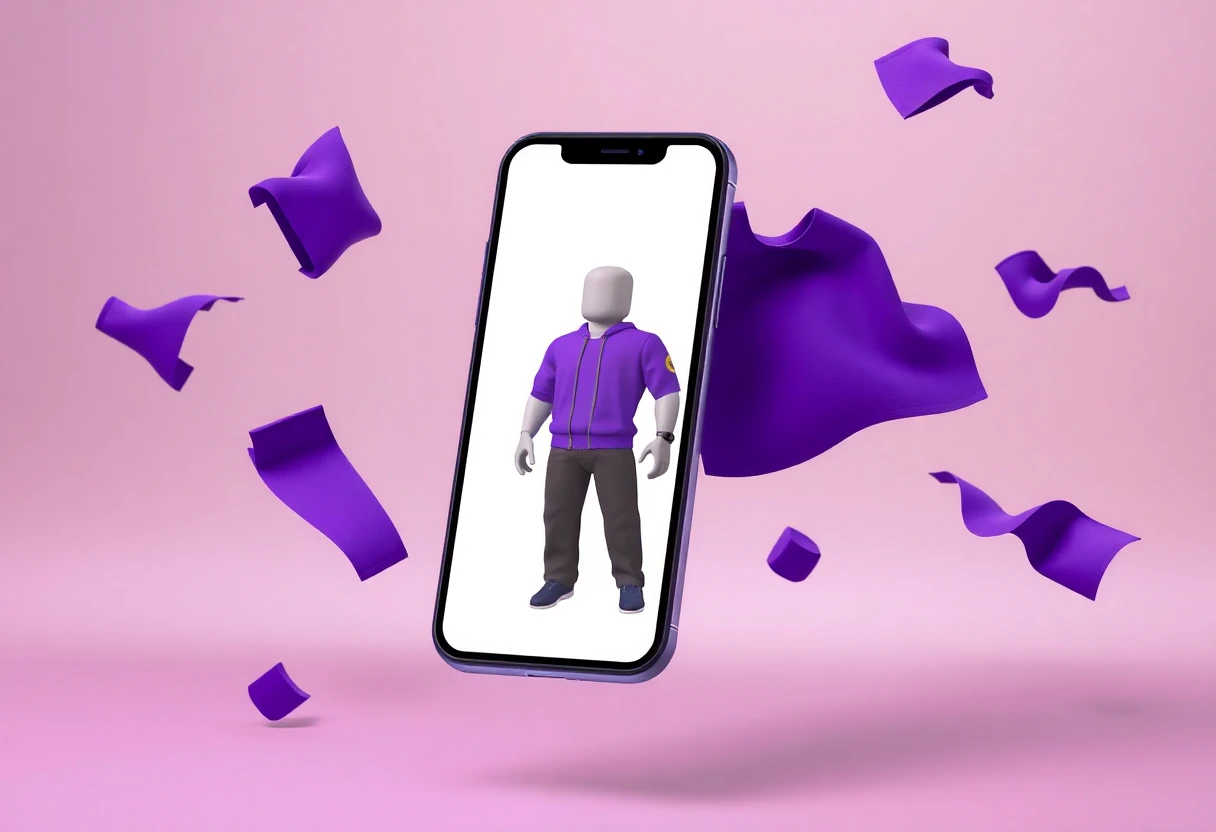
Skin Maker for Roblox: Clothes provides the most concrete creation workflow in the Roblox group: shirt and pants editing on one canvas, a rotating 3D avatar preview, blank templates, ready-made outfits, and more than 250 listed skins and outfit templates. That 3D preview is the feature that matters; it lets you catch a bad proportion before exporting or using the design. The description does not confirm export formats, upload support, ads, or in-app purchase terms, so the app may still be more of a design studio than a complete publishing pipeline. Compared with RBLX, it sounds more hands-on and less like a browsing catalogue. Best for Roblox players who want to design clothing from a blank template and inspect it in 3D.

Skin Maker for Roblox
RBLX – Skin Maker for Roblox leans into variety, advertising more than 20,000 skin combinations alongside a skin simulator, daily news, and videos. That is a much larger stated catalogue than Skin Maker for Roblox: Clothes, but quantity changes the task: browsing thousands of combinations is not the same as building a clean outfit from scratch. The listing also uses fan-oriented language without specifying export or publishing tools, so I would treat it as an inspiration and preview app rather than a full editor. Best for Roblox fans who want quick outfit experimentation and a large stream of visual ideas.

The two Roblox tools serve different moods. Skin Maker for Roblox: Clothes is the stronger workshop because it describes editing and 3D inspection; RBLX is the better catalogue for browsing combinations and fan content. I would start with the former if you want to make something, and the latter if you mainly want to decide what your avatar should wear.
Performance Tools: Useful Controls or Big Promises?
Graphics utilities are the riskiest category in this list. An app can open settings or provide guidance, but it cannot guarantee that every phone, game version, and network route will respond the same way. The descriptions here reveal a sharp difference between concrete tools and broad performance language.
LagoFast Game Booster
LagoFast has the clearest technical proposition: real-time network optimization, multi-path routing, and more than 3,000 servers across 80 countries, with dedicated nodes named for games such as PUBG Mobile, COD: Mobile, and Mobile Legends. The advertised claim of reducing ping by up to 80% is a ceiling, not a result you should expect on every connection. It also addresses a different problem from a GFX tool: routing can help unstable latency, while graphics settings cannot fix a congested route. The missing pieces are pricing, free-tier limits, battery impact, and independent latency results. Best for mobile players who can identify network spikes as the problem and need region-aware routing.

FF Headshot & GFX Tool
FF Headshot & GFX Tool is less ambitious than LagoFast but more specific about utility features. It can clear only its own temporary cache, open Android Display and Do Not Disturb settings, and measure network latency; internet access is used for ads, in-app purchases, and that latency measurement. A one-time premium purchase removes ads and unlocks storage-related functionality, although the listing does not give the purchase amount. Those details make it easier to understand than the vague promise of pro-level performance elsewhere, but the app still does not prove that it improves aim or frame rate. Best for Android users who want quick settings shortcuts, cache cleanup, and a basic latency check in one place.

Headshot & GFX Tool
Headshot & GFX Tool - Settings promises graphics customization, smoother gameplay, control guidance, training modes, voice chat information, and more aggressive claims around HD graphics and realistic weapon behavior. The description is broad, but it does not state supported devices, frame-rate targets, permissions, pricing, or measurable before-and-after results. That puts it behind FF Headshot & GFX Tool on transparency and behind LagoFast on technical specificity. I would not install it expecting a guaranteed competitive advantage; its value depends on whether the settings guidance is accurate for the particular game and phone. Best for experienced Android players who already understand graphics settings and want a reference utility rather than a guaranteed booster.

The performance category produced the biggest gap between marketing and evidence. LagoFast gives the most detailed infrastructure claim, FF Headshot & GFX Tool gives the clearest permission and premium information, and Headshot & GFX Tool - Settings makes the widest promises with the fewest measurable details. That is not a reason to reject every booster; it is a reason to test latency and frame stability before paying.
Who Should Pick What?
Pick Rhub – Game Codes & Guides if you play several games and want the shortest route to current rewards. Choose CodesHub if Roblox is your only concern and you prefer a focused iPad reference.
Roblox creators should use Skin Maker for Roblox: Clothes for actual editing and 3D checking, while RBLX makes more sense for browsing a large library of combinations. Players with genuine ping problems should test LagoFast; players who mainly need Android shortcuts should start with FF Headshot & GFX Tool.
My favorite is Rhub. It has the cleanest job to do, and the stated daily updates and verified reward lists address a real annoyance without asking you to grind another points system. The caveat is simple: verify the app's current update quality and permissions before relying on it for every game.