ThePPInsider is an independent mobile app comparison platform. We may earn a commission when you click through.
Gaming Companion Apps That Actually Earn a Place on Your Phone
Seven performance tools and three Roblox creators compared by platform, ratings, and practical features, including the apps worth skipping.
GFX Tool for Games is the best starting point here because it solves a problem most booster apps only pretend to solve: it checks whether your phone can run a game before you install it. The app also includes game requirements, an internet speed test, a personal game list, notifications, and a Siri shortcut. Its 4.2/5 rating is stronger than LagoFast's iOS score, though the listing does not disclose a subscription price.
I evaluated these apps as two different groups: performance tools that promise smoother play, and Roblox-focused creators that help you build a look. The surprise was how uneven the claims are. Several apps advertise 90 FPS or dramatically lower lag, but the supplied listings provide no measured device results. That makes GFX Tool for Games' straightforward compatibility check more credible than vague performance promises.
Performance Tools: Useful Checks Before Bold Claims
Performance apps are often sold on one promise: fewer frame drops and less lag. The practical question is simpler—does the app give you information or control you can verify? The first group is strongest when it does one of those jobs clearly.
GFX Tool
The 4.2/5 rating is supported by a useful feature mix: game requirements, phone compatibility checks, a personal game list, internet-speed testing, notifications, and a Siri shortcut. Compared with the 90 FPS boosters below, this app makes the least inflated promise. Best for iPhone users who want to check compatibility before downloading large games and keep a simple library of titles.
GFX Tool Pro
GFX Tool Pro: Launcher & 90FPS aims higher than the previous pick, advertising a game launcher, graphics optimization, and AI-powered tools for both high-end and budget phones. The problem is evidence: the listing gives no rating, price, device test, or measured frame-rate result. Best for Android players willing to experiment with settings, not anyone expecting a guaranteed 90 FPS upgrade.

Game Booster GFX Tool
Game Booster GFX Tool Pro+ offers more concrete setting names than the previous Android tool, including iPad View, Potato Graphics, 90 FPS, 1080p, and Ultra HDR. That breadth may appeal to PUBG or BGMI players, but the listing still supplies no rating or proof that every setting works on every device. Best for Android gamers who understand resolution and graphics trade-offs and want manual control.

Game Booster GFX Tool
The iOS Game Booster: GFX Tool No Lag listing is notably thin: it says the app is free with in-app purchases and is designed for iPad, but gives no rating or detailed feature list in the supplied data. That makes it harder to judge than GFX Tool for Games, whose 4.2/5 score and feature set are visible. Best for iPad owners who want to test a free utility without treating the 'no lag' name as a performance guarantee.

LagoFast Game Booster
GearUP has the strongest iOS review signal among the network-focused tools here: 4.1/5 from 355 ratings. Its promise is narrower than a graphics optimizer's, focusing on lower ping and faster gaming, but the listing does not reveal the subscription price or measured improvement. Best for iPad or iPhone players whose main complaint is connection stability rather than graphics quality.

LagoFast Game Booster
LagoFast's iOS edition is the weakest-rated app in this comparison at 2.8/5 from 24 ratings. The low sample means the score is not definitive, but it is still a warning against paying before testing the free tier. Since the Android listing promises a much broader server network, the iOS experience may not offer the same value. Best only for iPad users who can verify a real ping improvement on their own connection.
The performance group splits cleanly into two camps. GFX Tool for Games helps you decide what your phone can handle; the others promise to change how games run. I would start with information before optimization. If an app cannot show a measurable improvement on your device, a dramatic feature label is not enough.
That distinction also explains the ratings. GearUP has a respectable 4.1/5 from 355 ratings, while LagoFast's iOS version sits at 2.8/5 from 24. The listings do not prove that one service is universally faster, but they do show which app has the deeper public review base.
Roblox Creation: Make the Outfit, Then Check the Fine Print
The remaining apps are not boosters at all. They are avatar and clothing creators, and they compete on templates, editing tools, and presentation rather than frame rate. Their usefulness depends less on hardware and more on how much control you want over the final look.
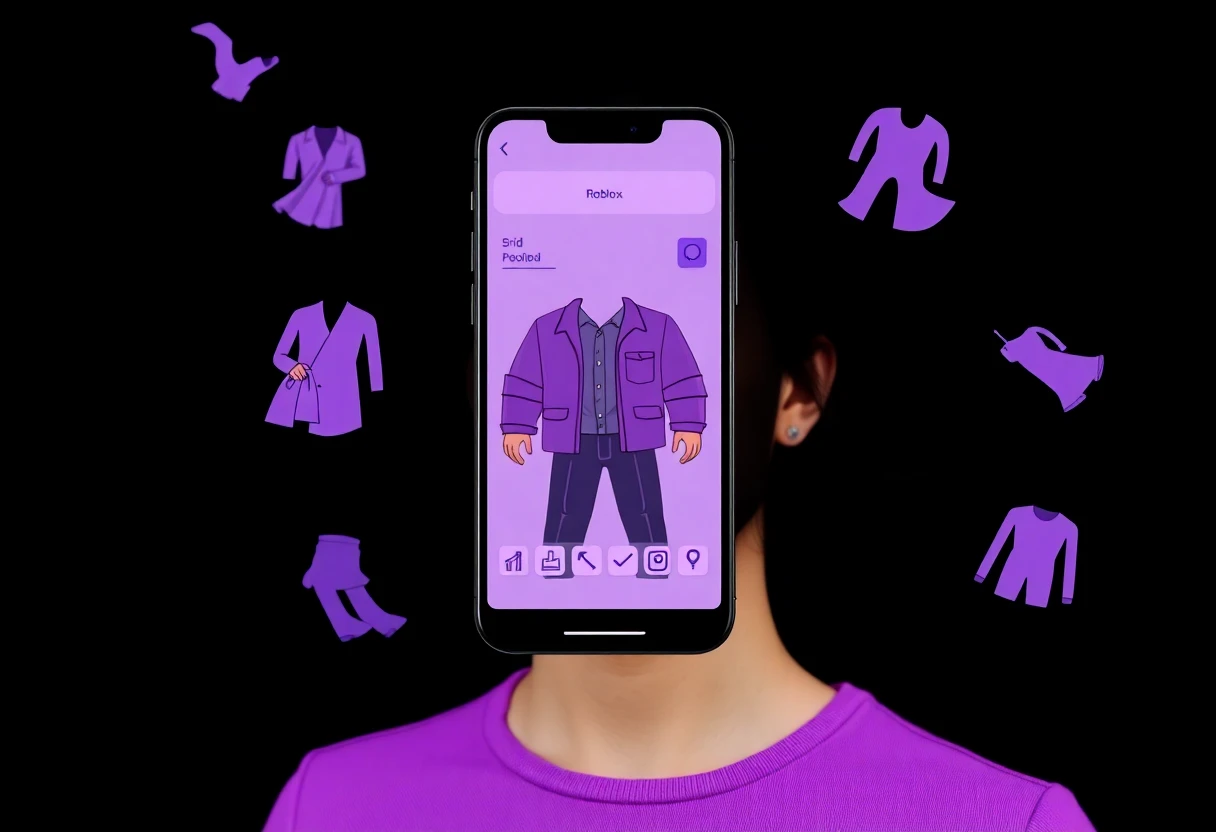
MasterBlox Skin Maker 3D
MasterBlox - Skin Maker 3D has the highest visible rating in the roundup at 4.5/5 from 37 ratings. It is free with in-app purchases and designed for iPad, but the supplied listing does not explain its editing tools in detail. That limits the verdict: the rating is encouraging, yet the small sample and iPad focus matter. Best for iPad users who want a dedicated 3D avatar and outfit editor and are comfortable checking what the paid extras unlock.

Skin Maker for RBX
Skin Maker for RBX: Clothes gives the clearest workflow of the creator apps: start with a blank template or ready-made outfit, edit shirts and pants together, and preview the result on a rotating 3D avatar. The listing also mentions more than 250 skins and outfit templates. Best for Android Roblox players who want hands-on clothing design rather than a simple avatar picker.

AI Skin Maker for Roblox
AI Skin Maker for Roblox is the newest-feeling concept here, but its evidence is the thinnest: just 2 ratings, scoring 4.0/5, with free access and in-app purchases. The title suggests AI-assisted creation, while the supplied listing does not explain how generation works or establish that it can actually earn Robux. Best for iPad users curious about AI outfit ideas who will treat the Robux wording cautiously.

The creator apps are easier to separate than the boosters. Skin Maker for RBX: Clothes explains what you can do and gives you 250-plus templates, while MasterBlox has the higher rating but far less visible detail. AI Skin Maker has an appealing premise, yet two ratings are nowhere near enough to support a strong recommendation.
One practical warning: none of the supplied listings establishes that a skin-making app can generate Robux. Treat that phrase as promotional positioning, not a guaranteed outcome. The useful feature is the design workflow, not the promise attached to it.
Who Should Pick What
Pick GFX Tool for Games if you use an iPhone or iPad and want a compatibility check, game requirements, an internet-speed test, and a personal game list. Its 4.2/5 rating and transparent feature list make it my favorite overall.
Pick GearUP if connection quality is the actual problem and you want the strongest iOS review base in this comparison. Pick the Android LagoFast app only if global routing matters and you can test the claimed improvement before paying.
Pick Skin Maker for RBX: Clothes if you design Roblox outfits on Android and want the clearest editing workflow. Pick MasterBlox if you are on iPad and prefer the highest visible rating, but remember that 37 ratings is still a small sample. Skip AI Skin Maker until it has more user evidence.
My honest favorite is GFX Tool for Games. It does not promise to transform your phone. It answers the question that matters first: can this device run the game at all?